Interfaces / Jack

Jack, the command-line interface.
See the whole team at work from your terminal: every agent on the project, what it is working on, how far along it is, what it costs, and what it is waiting for.
About these mockups. They show the intended design with illustrative data. They are not kept in step with development or with any current version, and we update them periodically.
Screens
Twenty-one screens, twelve themes.
The pages of King, laid out for a terminal: one bar at the top, one at the bottom, and never more than two panes. A bell counts what needs you. Choose a screen, then step through its pages with the arrow keys.
Home
Needs you, active plans, up next; team and activity
This screen has more pages. Pick a card, or use the arrow keys.
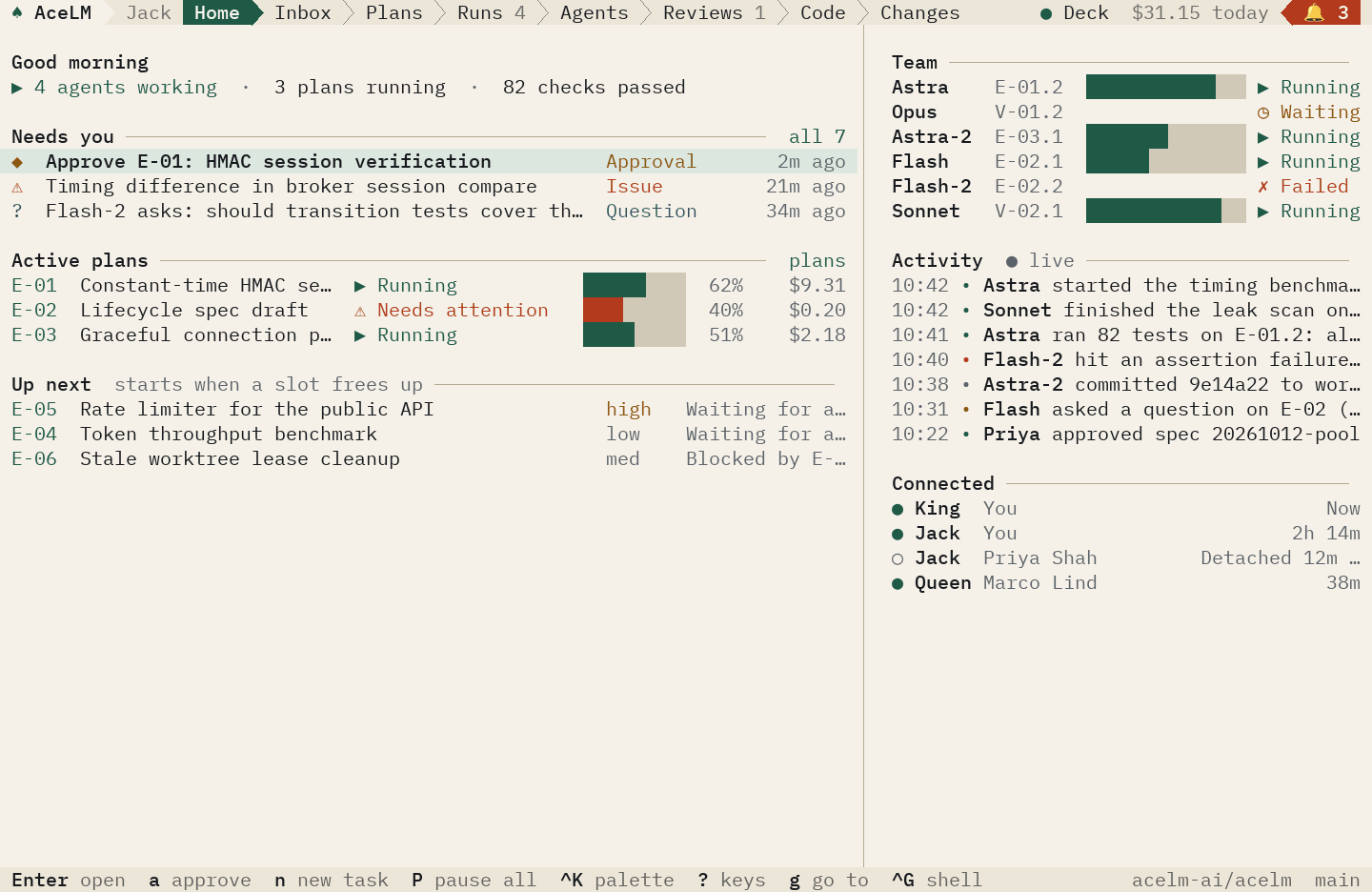
Illustrative. Agents, figures, and output are sample data. The same page in King
Early access
Try it on a project of yours.
Tell us what you build and the checks you rely on, and we will show you the team working on it.