Interfaces / Queen

Queen, the desktop app.
Queen brings the same team and the same record to a desktop window that sits next to your editor and the rest of your tools.
About these mockups. They show the intended design with illustrative data. They are not kept in step with development or with any current version, and we update them periodically.
Screens
Twenty-one screens, one window.
The pages of King in a desktop window shaped like the editors you already use: an activity bar, a side panel, tabs, and the team beside the code. Choose a screen, then step through its pages with the arrow keys.
Home
What needs you, active plans, the team, and live activity.
This screen has more pages. Pick a card, or use the arrow keys.
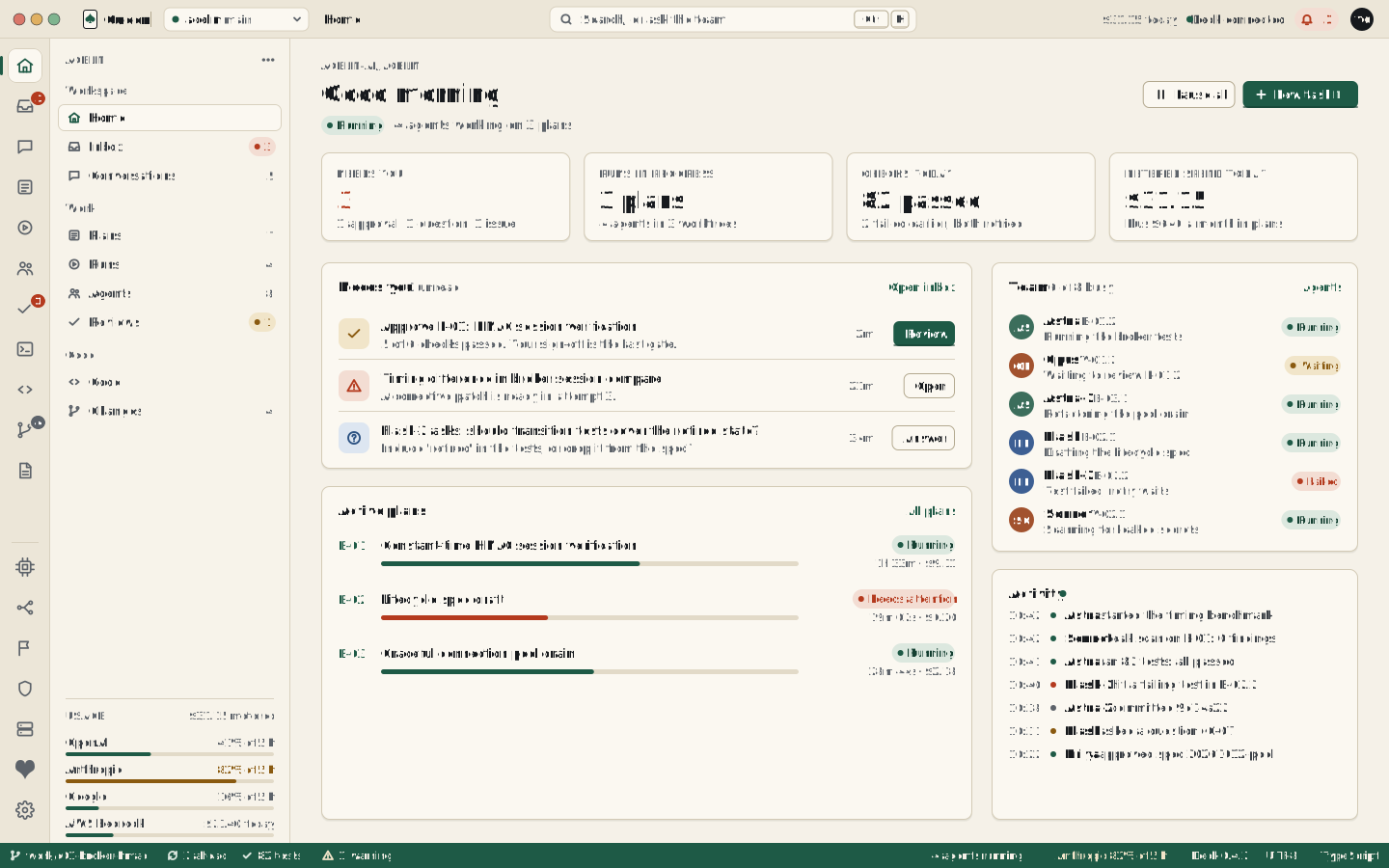
Illustrative. Agents, figures, and output are sample data. The same page in King
Early access
Try it on a project of yours.
Tell us what you build and the checks you rely on, and we will show you the team working on it.